
Hibou offers a Wellness Check feature which can check up on you multiple times each day to make sure you're okay. You can set which times Hibou calls you as well as putting this feature on pause if you wish to not be contacted for a period of time. In order to get Hibou Wellness Check applied to your account please send a request to us through our ticket system located here.
Setting up Hibou Wellness Check
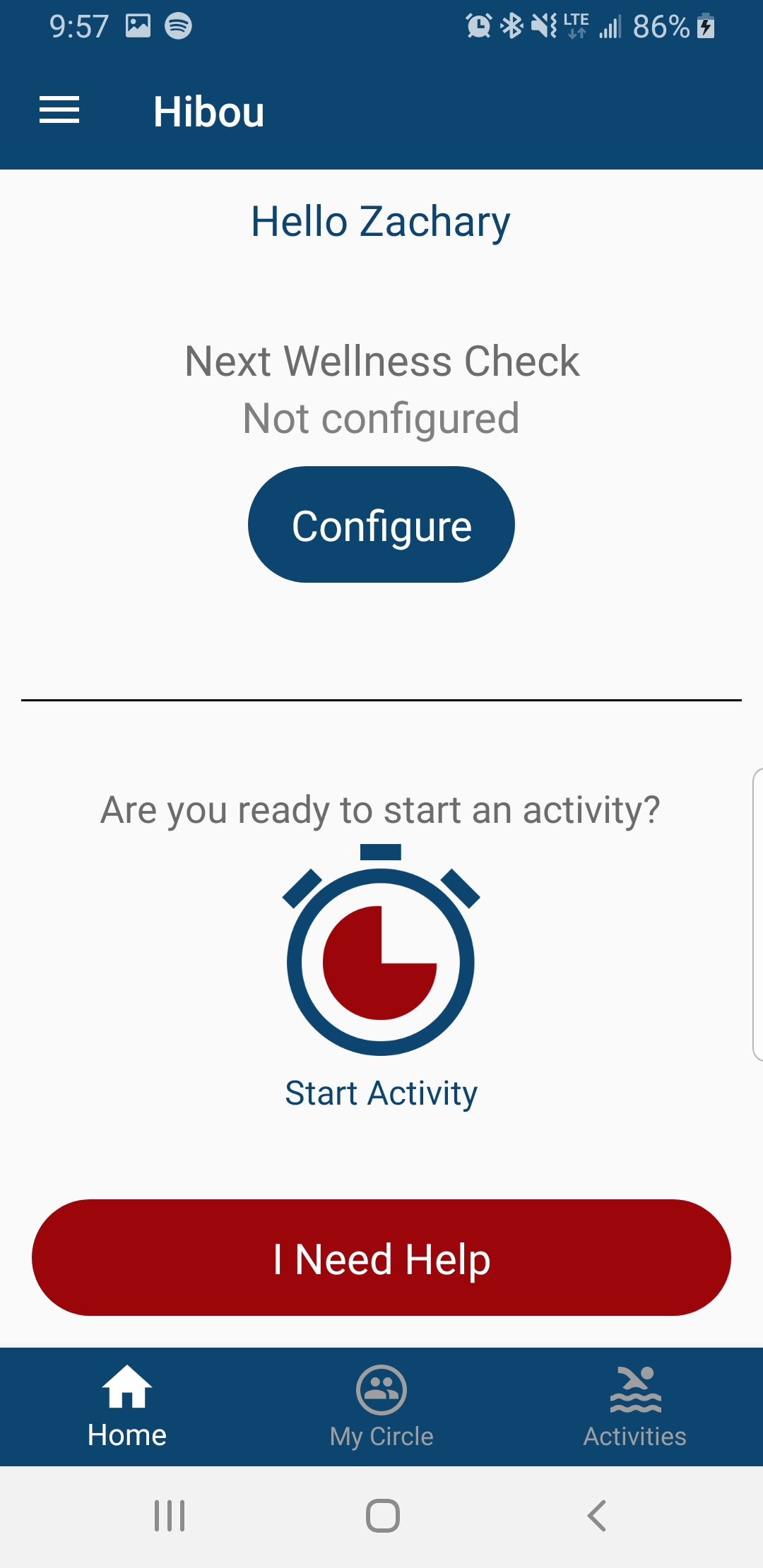
• Once Hibou Wellness Check has been applied to your account you will notice a new option on your home screen, press "Configure" to continue
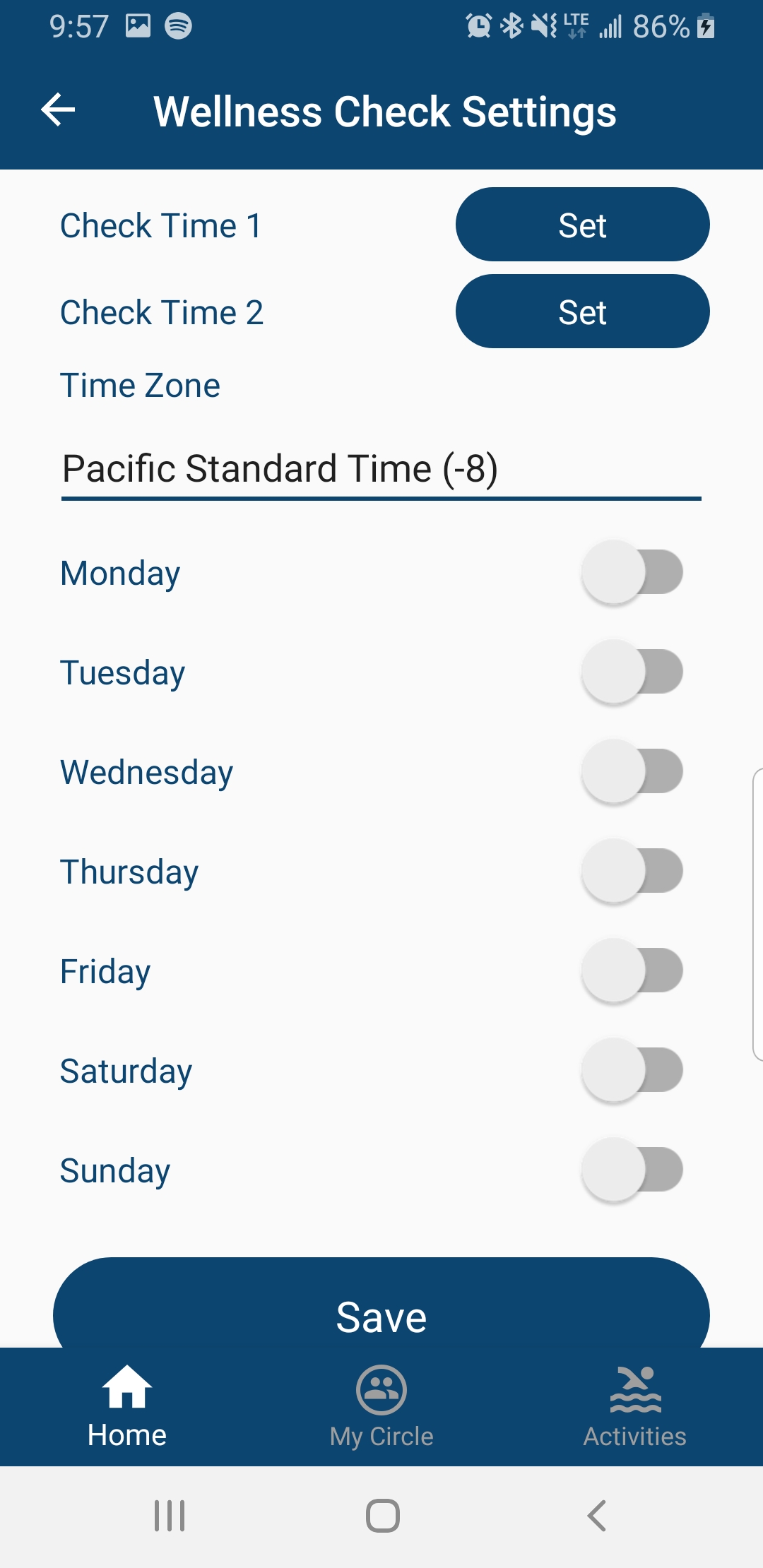
• Next, set the two "Check Times" you would like Hibou Wellness Check to call you and the days you wish to be contacted on. Don't forget to pick the correct time zone for your location!
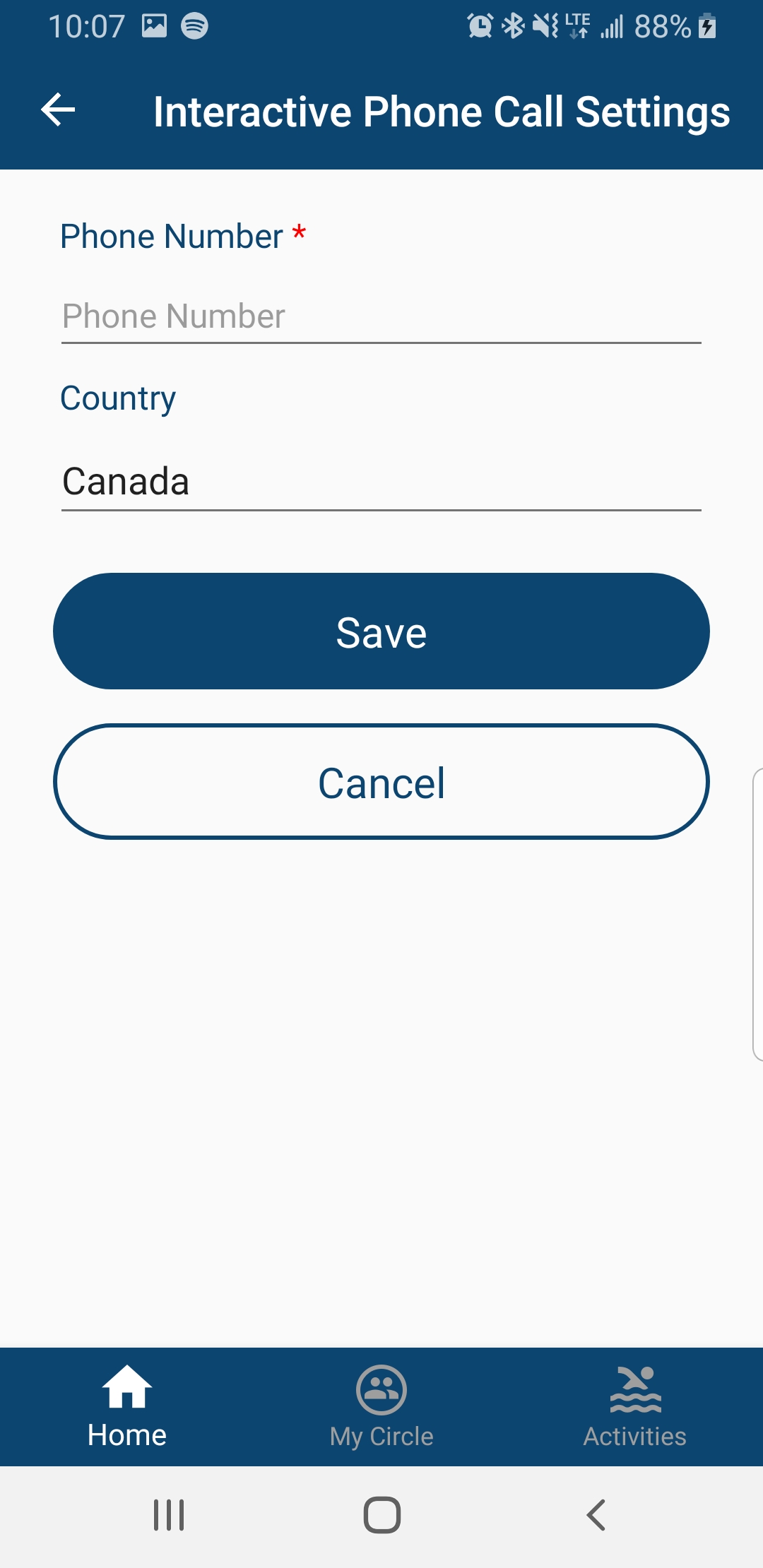
• Go to your Settings and select "Interactive Phone Call", here you will enter the number you wish Hibou Wellness Check to call you on.
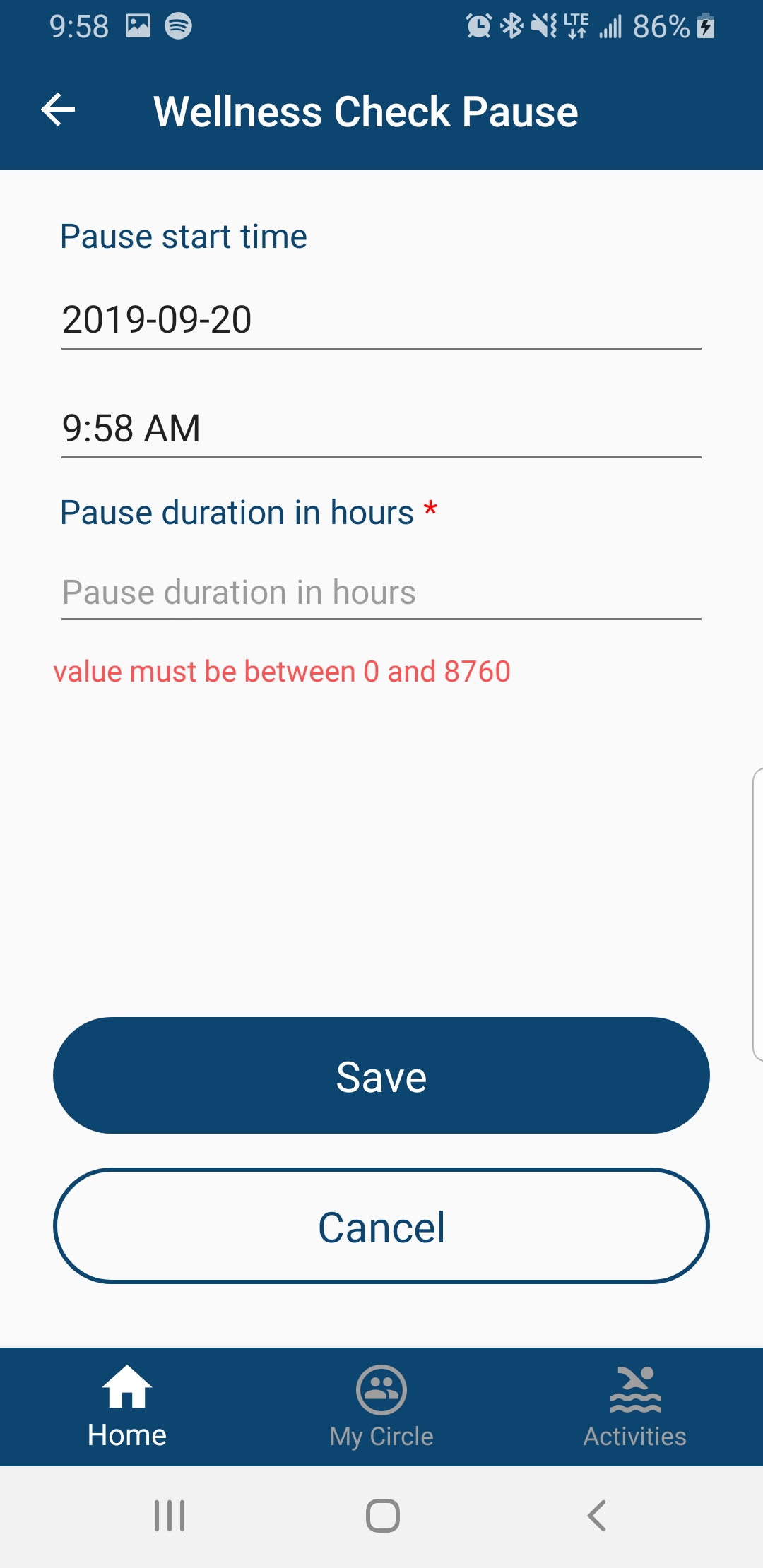
• Finally, if you wish to pause your Hibou Wellness Check visit your Settings once more and select "Wellness Check Pause". In here you can select the date the pause begins, the time and lastly how long you would like the pause to last.
Comments
0 comments
Please sign in to leave a comment.