
In order to update your contact information within the Hibou App, you will need to go into the settings once logged in.
- First, login to your Hibou App and select the menu button in the top left of the screen
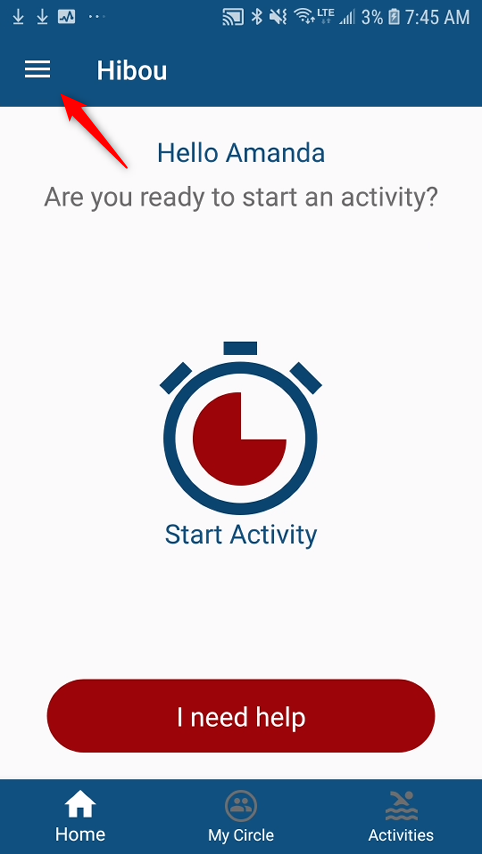
Select the menu item at the top of the screen
- Next, select 'Profile'
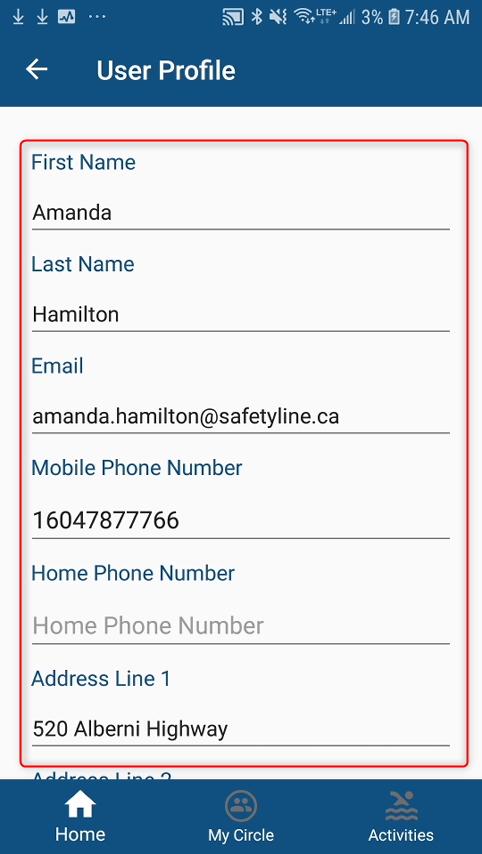
Adjust contact information within your profile settings
- From here, you will be able to adjust all your contact information. Once complete, press 'Save' at the bottom for all changes to take effect.
Comments
0 comments
Please sign in to leave a comment.