
When you add a Circle Member to your account, you have the option to allow the user to have access to your GPS location and Hibou History. You also have the option of allowing this user to be notified if you enter an emergency status. All these permissions can be enabled or disabled as you wish.
- To adjust a Circle Member's permissions, you must first login to your Hibou App
- Once logged in, select 'My Circle'

Select 'My Circle'
- Next, select the Circle Member you would like to adjust permissions for
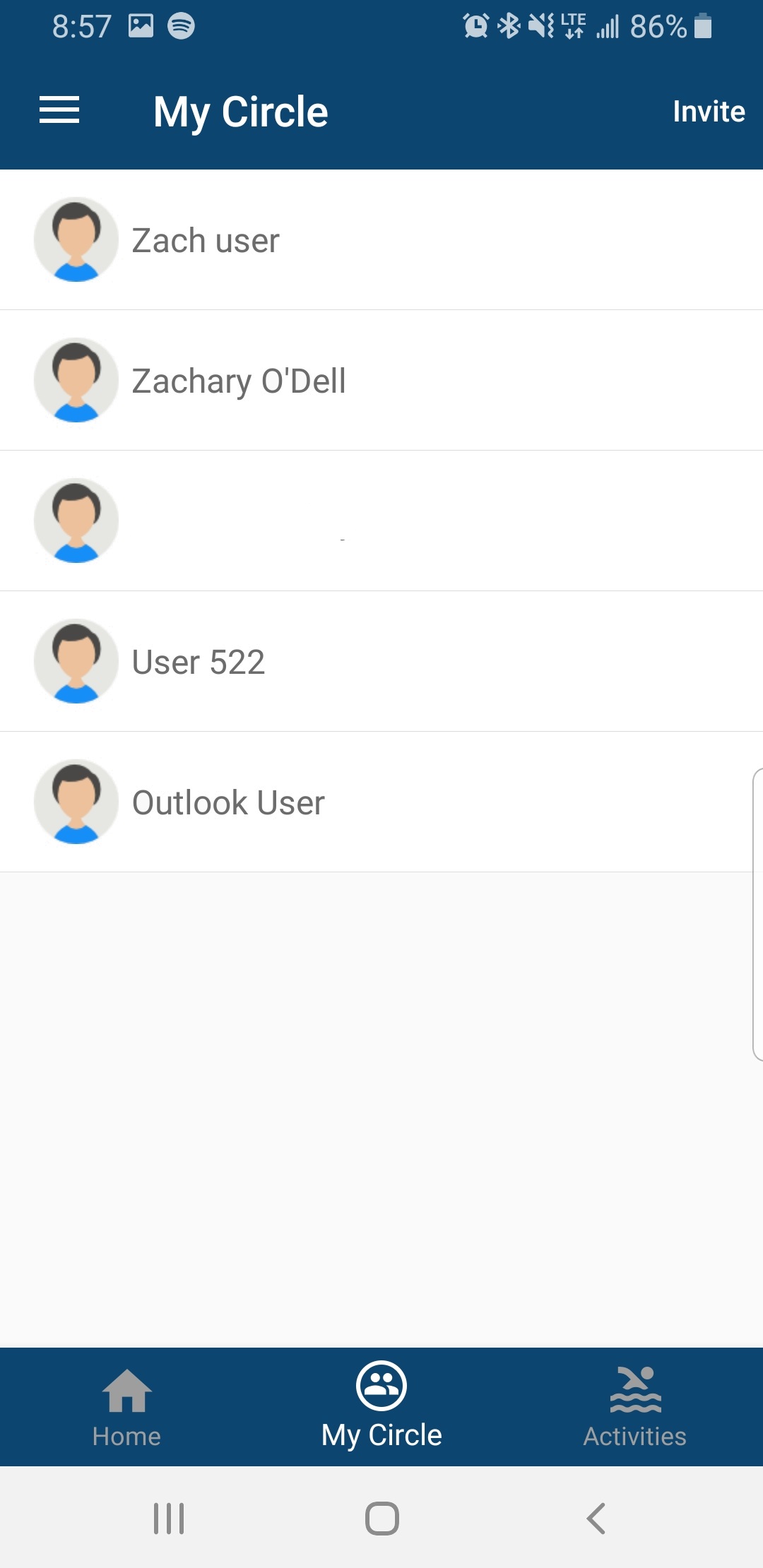
Select the Circle Member you would like to adjust the permissions for
- Next, determine which features you would like to enable/disable and then select 'Save'
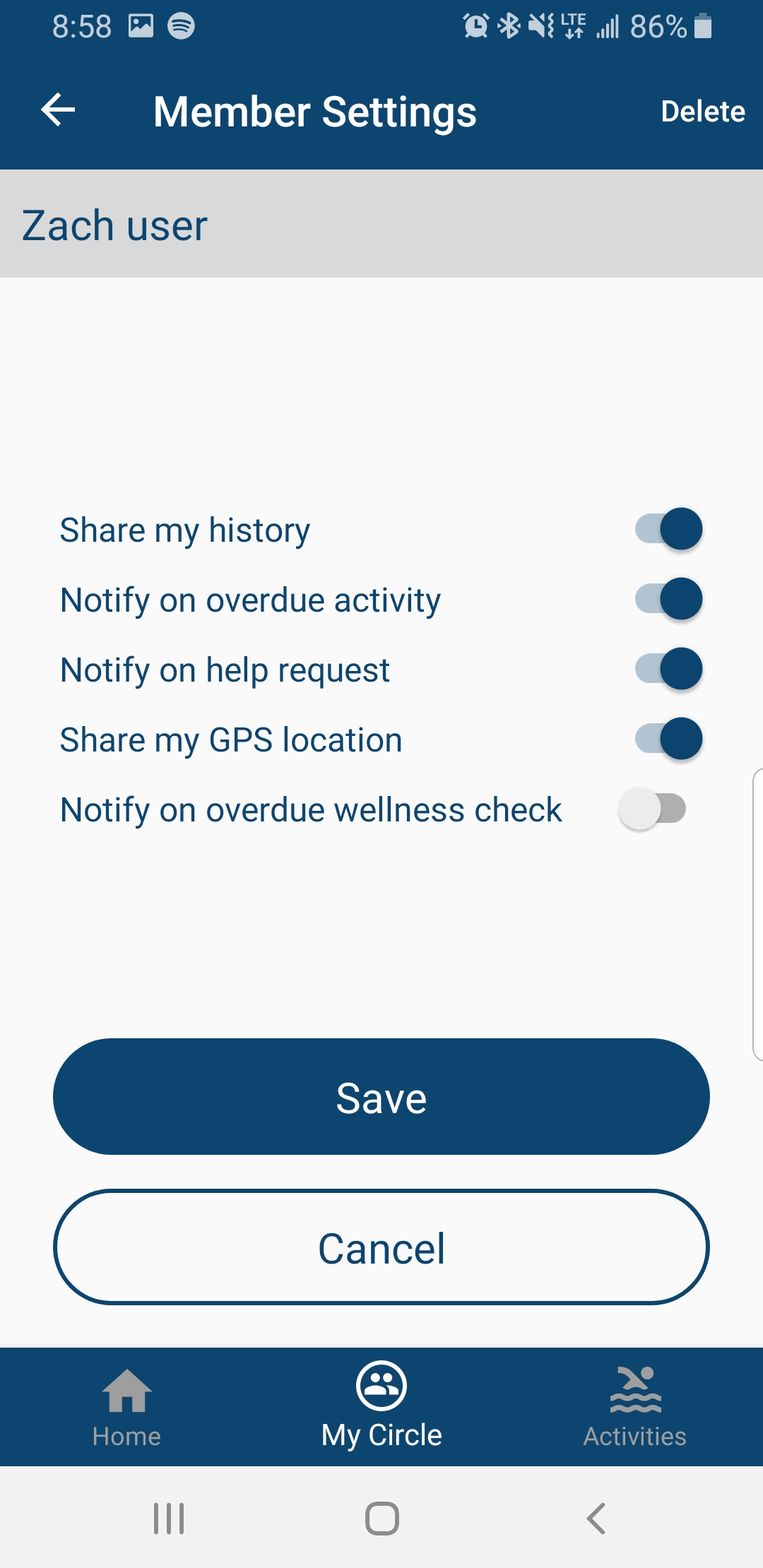
Enable/Disable permissions then select 'Save'
Comments
0 comments
Please sign in to leave a comment.